Warp & Starship - My New Favourite Terminal Setup
Like most folks, I've used iTerm2 since I first used MacOS X in 2012. I've also spent countless hours configuring and managing tools like Antigen, Oh My ZSH, and Powerlevel10k. I've even mentioned some of these tools on this site before. It's easy to end up down a rabbit hole with tools like these.

Like most folks, I've used iTerm2 since I first used MacOS X in 2012. I've also spent countless hours configuring and managing tools like Antigen, Oh My ZSH, and Powerlevel10k. I've even mentioned some of these tools on this site before. It's easy to end up down a rabbit hole with tools like these. You eventually find yourself layering widget upon widget, script upon script, plugin upon plugin until your entire shell environment takes several minutes to load up every time you open a new terminal window.
Part of the problem here is that Bash (and other shell scripting languages) are extremely slow. Partly because of the language itself and partly because the vast majority of shell scripts are just bubblegum and duct tape between various disparate tools (both native and third-party).
So what's the solution? Well, at the risk of sounding dogmatic: Rust. Rust is the solution. Or, more specifically, two tools WRITTEN in Rust: Warp and Starship.
Rust has kinda become the de facto language if you need speed and efficiency in a modern programming language. Dozens of new command-line utilities written in Rust have been popping up in recent years as replacements for old standard Unix tools like find, grep, cat, and even the most mundane of all, ls and cd, all written in Rust in order to take advantage of how speedy of a language it is. Hell, even kernel module devs are starting to adopt the language. With all this said then, why NOT write a terminal app in Rust? For that matter, why not write a prompt that will work across any shell? Enter Warp and Starship.
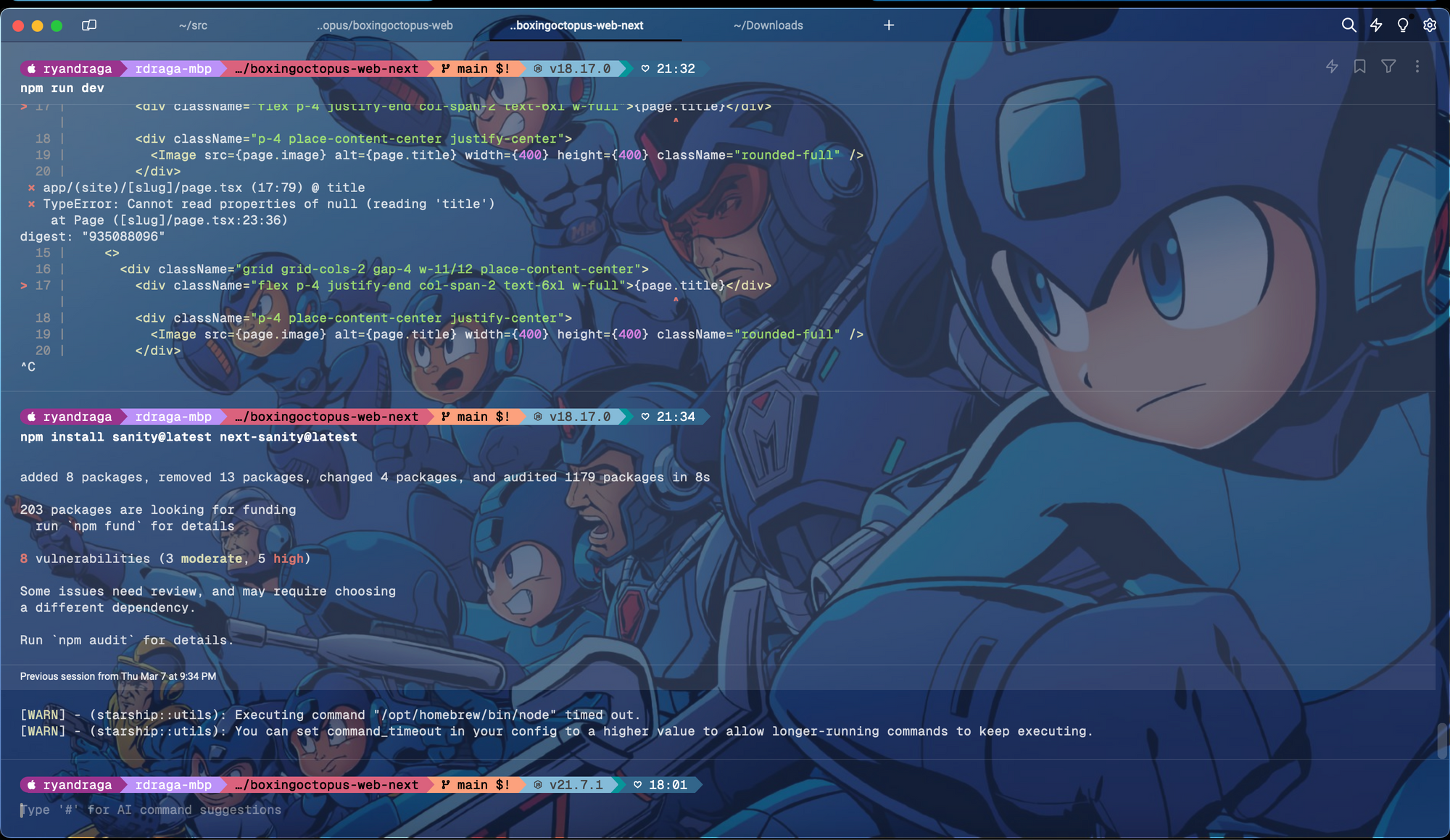
As a terminal, Warp has a bajillion more useful features than iTerm ever had. It focuses less on arcane terminal emulation options and more on modern, relevant features that most folks will make use of day-to-day, such as built-in git features and a boatload of AI-assisted gadgetry like search, autocomplete, and even workflows so that you're not constantly typing out the same five or six BASH one-liners or having to maintain a git repo filled with random shell scripts that you'll maybe use once or twice a year.
And on the subject of having a repo full of configs and scripts and miscellaneous environmental settings, Starship solves the problem of having to maintain a complex dotfiles repo filled with tons and tons of bloated shell configs, all for the sake of making your prompt look kinda pretty. Need to see the git status of a locally cloned repo? Starship has that built-in. Your current Kubernetes context? Yep, that too. What about Azure/AWS/Google Cloud info? Yep. Running versions of Ruby, Python, NodeJS, Terrafo...yep those as well. There's even a built-in feature that will tell you whether or not the prompt you're using is a remote host or a local one. The kicker? All of this is configured through a single TOML-based config file, even the themeing, which, it so happens, Starship has a bunch of very pretty, very functional themes straight out of the box that can be configured with a single command. Even better, there's no constant reloading of your current session to see changes. Make a change, see the change immediately.